ADVANCED FEATURES
[Use Case] Auto-Catching Around Home or Workplace
Auto Circle Function Setup
-
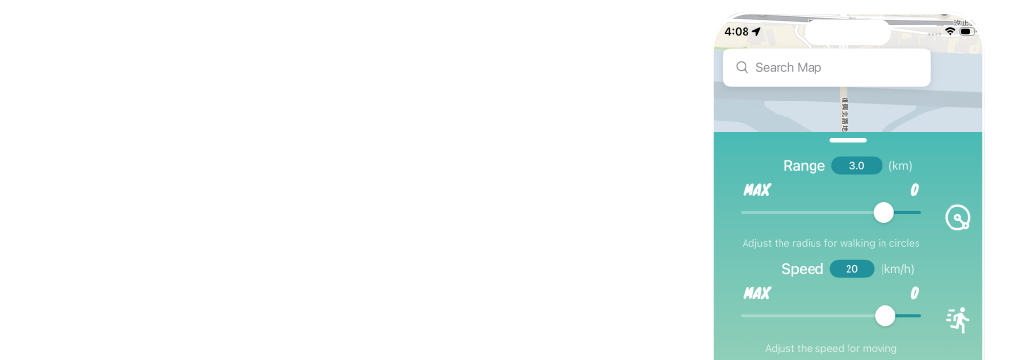
Configure the 【Range】 and 【Speed】 for auto circle in 【Settings】.
-
【Range】: Adjust the radius distance (km).
-
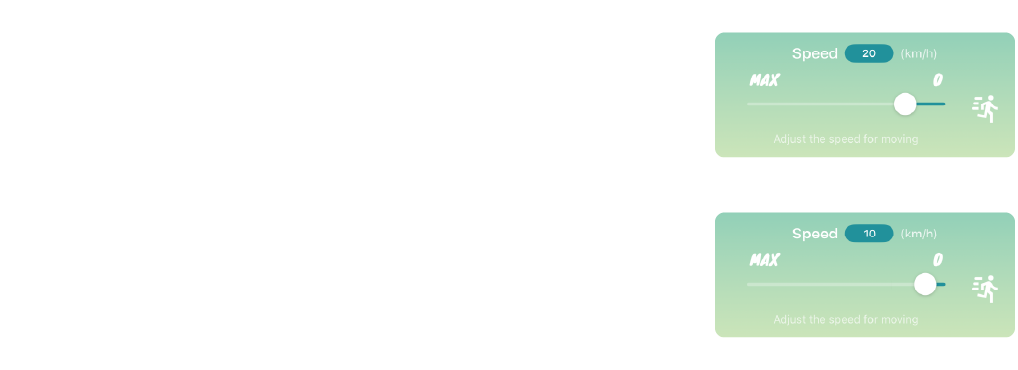
【Speed】: Adjust the movement speed (km/h).
-
- Tap 【Auto Circle】 to activate. The system will use your current location as the center, move out to the set radius distance, and begin moving in a counter-clockwise circle.
-
Note: 【Settings】, 【Route】, and 【Favorites】 will be temporarily disabled while this mode is active.
-
Recommended speed for Routes is under 20 km/h. Exceeding this speed may cause Auto-Catch to fail.
-
For optimal egg hatching, a speed of 9–12 km/h is recommended.