ADVANCED FEATURES
[Use Case] Auto-Catching Around Home or Workplace
Auto-Circling Function Setup
-
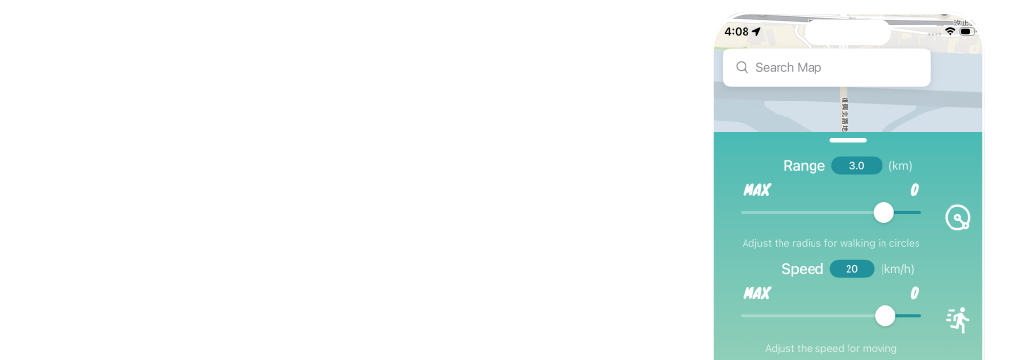
Configure the 【Range】 and 【Speed】 for Auto-Circling in 【Settings】.
-
【Range】: Adjust the circling diameter (km).
-
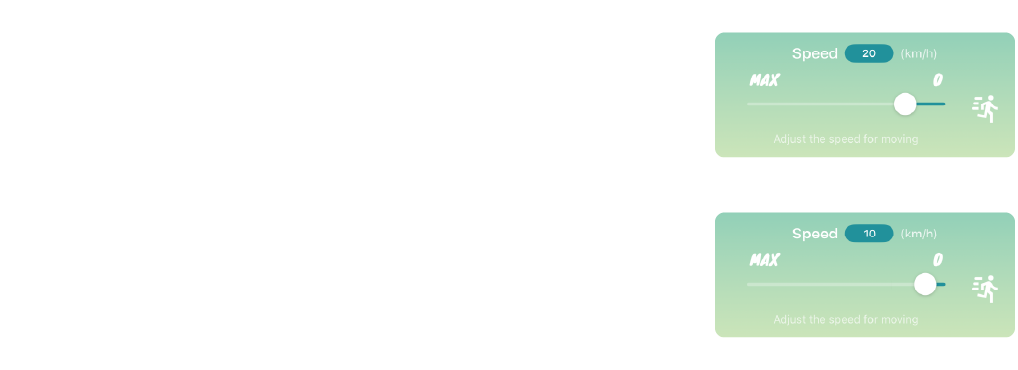
【Speed】: Adjust the movement speed (km/h).
-
-
Tap 【Auto-Circling】 to activate. The system will use your current location as the center, move out to the radius distance (half of the Range), and begin a counter-clockwise circular path.
-
Note: 【Settings】, 【Route】, and 【Favorites】 will be temporarily disabled while this mode is active.
-
Recommended speed for Routes is under 20 km/h. Exceeding this speed may cause Auto-Catch to fail.
-
For optimal egg hatching, a speed of 9–12 km/h is recommended.