TROUBLESHOOTING
[Troubleshooting] Disconnection & Unable to Connect Guide
Sudden Disconnections
The Flymon Center app displays "Searching for devices"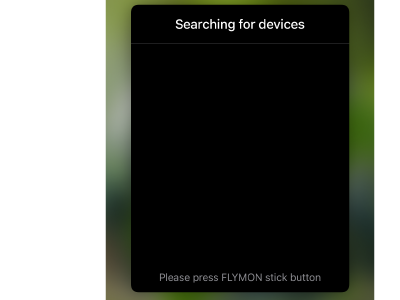
- Check the Bluetooth LED on your Flymon. A solid blue light means the device is already connected.
Press the Flymon thumbstick to reconnect.
Unable to Connect
Scenario 1:
The Flymon Center app displays "Searching for devices," and the Flymon Bluetooth LED is solid blue, but the device still fails to connect after pressing the thumbstick.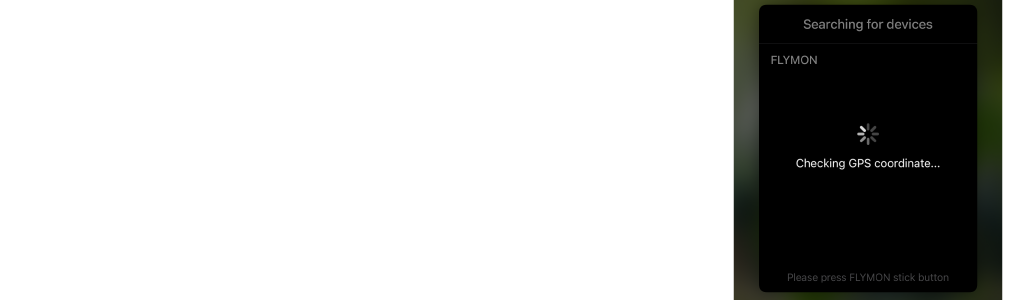
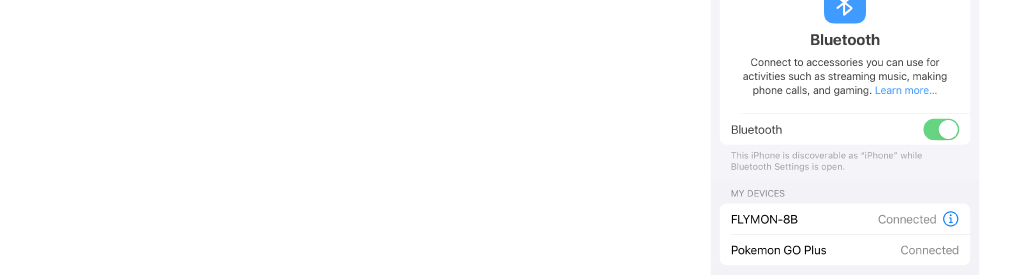
- Bluetooth Settings > Forget Flymon from your Bluetooth list > Close both the Flymon device and the app > Wait 10 seconds > Turn on the Flymon device
- Bluetooth Settings > Select "FLYMON-XX" > The Flymon Bluetooth LED turns solid blue > Open the Flymon Center app > Press the thumbstick to connect
Scenario 2:
The Flymon Center app displays "Searching for devices," and the Flymon Bluetooth LED is flashing, which indicates that the Flymon device is not connected.
- Bluetooth Settings > Select "FLYMON-XX" > The Flymon Bluetooth LED turns solid blue > Open the Flymon Center app > Press the thumbstick to connect

Scenario 3:
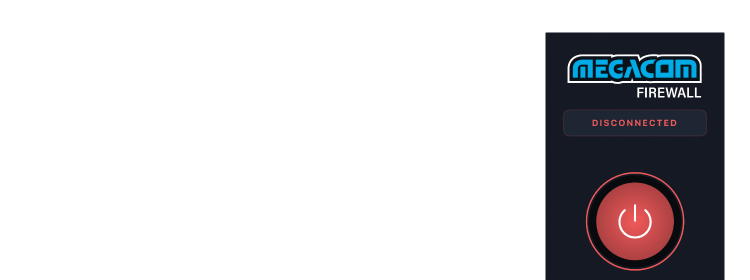
When MEGACOM Firewall App is CONNECTED, Flymon Center App cannot connect to the Flymon device.
Please set MEGACOM Firewall App to DISCONNECTED first.
- MEGACOM Firewall App > DISCONNECTED > Open the Flymon Center App
Bluetooth indicator light
- Solid Blue LED

👉 Status: Successfully connected ✅
- Flashing Blue LED

👉 Status: Device searching / pairing
✅ Recommendation: Wait a few seconds, or restart the Bluetooth pairing process.